

Model Routes
Use Model Routes when your application should call a stable route ID while OpenModels handles the model selection and provider route behind it.
A route ID looks like route:coding-agent. Pass it as the model value in the same POST /chat/completions request shape you already use for normal model IDs.
When to use a Model Route
Use a Model Route when you want to:
- Change routing logic without changing application code.
- Group several models behind one stable ID.
- Fall back across models when a preferred model is unavailable.
- Switch between
fast,balanced, anddeepmodes from your application.
If you only want to pin one request to a provider for a normal model ID, use route.provider on the Chat Completions page instead.
Create a route
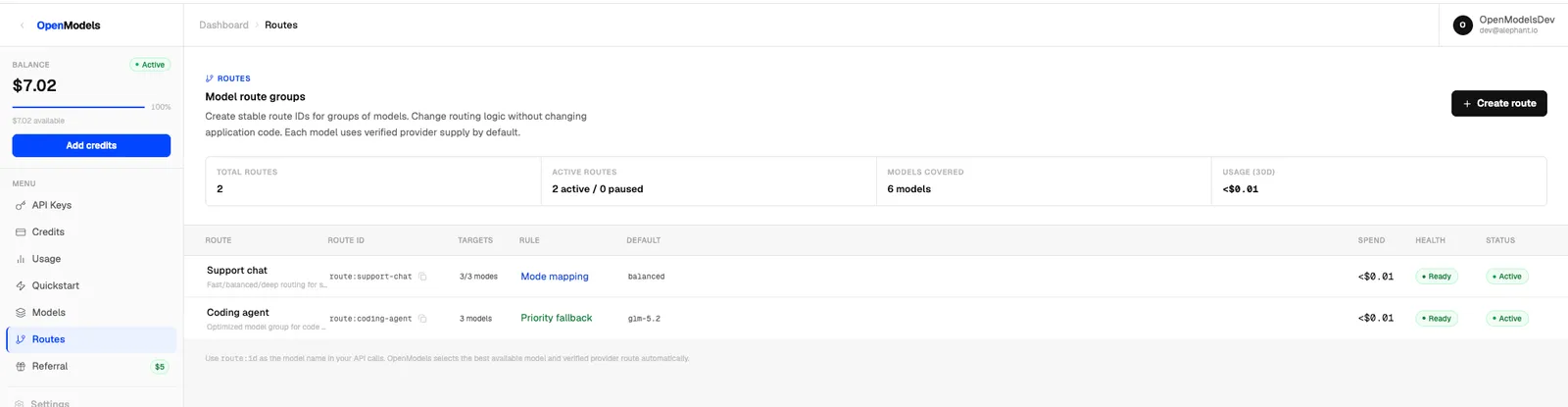
Open the OpenModels dashboard, go to Routes, and click Create route.
- Name the route. OpenModels generates a route ID such as
route:coding-agent. - Select the models the route can use.
- Choose a routing rule.
- Save the route while it is Active.
The route ID cannot be changed after creation. Copy it from the Routes table or the route detail panel.
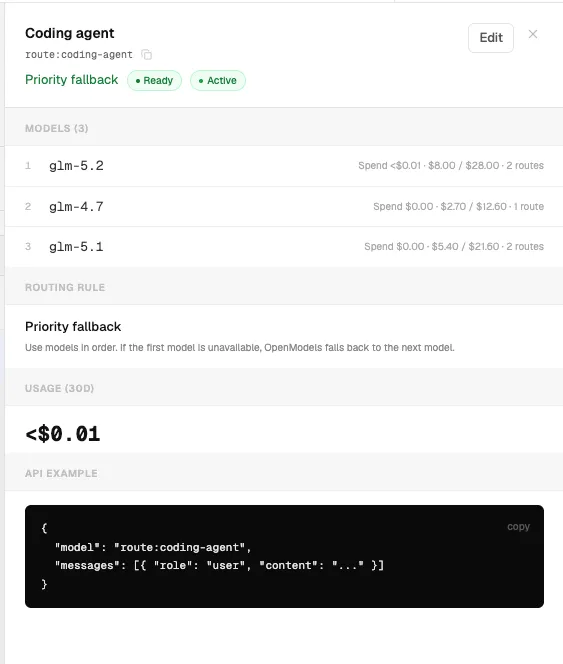
Priority fallback
Priority fallback uses models in order. If the first model is unavailable, OpenModels falls back to the next model.
Mode mapping
Mode mapping lets your application switch between fast, balanced, and deep without changing the route ID. If you omit route_mode, OpenModels uses the balanced mode.
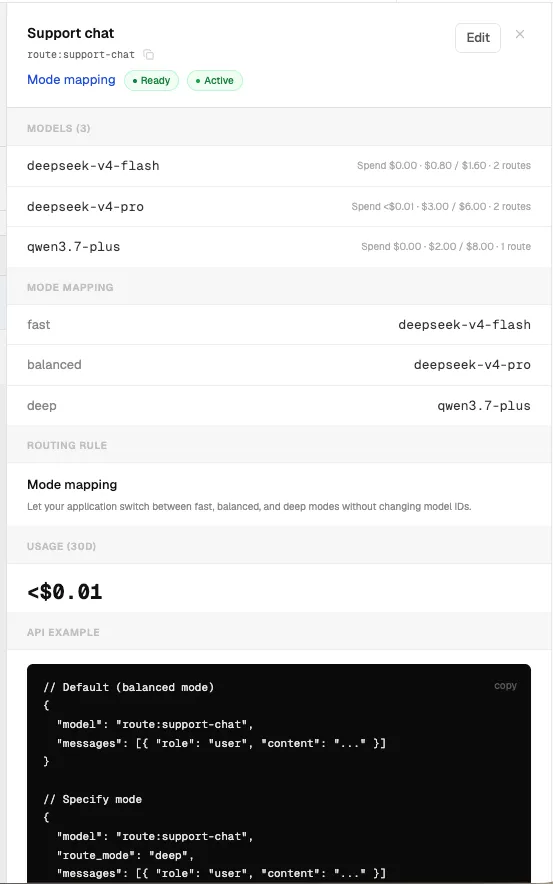
Default balanced mode:
Specify a mode:
Supported route_mode values are fast, balanced, and deep.
cURL
Notes
- Use the
route:*ID as themodelvalue. - Keep using the normal OpenModels base URL and API key.
- Remove
route.providerif the route group should select the provider internally. - Paused routes are not intended for production traffic.
- Usage for each route appears in the dashboard Routes page.